
Your X-ray, explained.
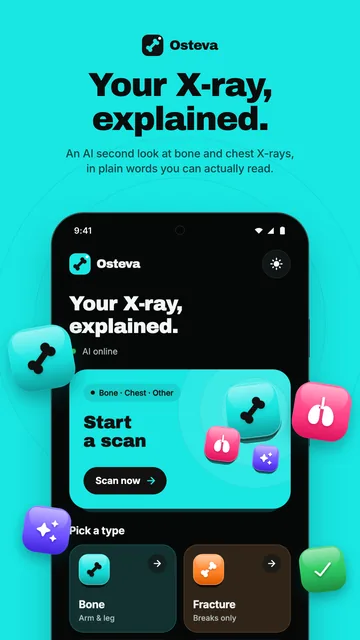
Osteva gives you an AI second look at an X-ray. Take a photo of the X-ray, or choose an image on your phone, and Osteva explains what the AI sees in plain language.
Osteva is not a medical device and does not diagnose, treat, cure, or prevent any medical condition. Always consult a healthcare professional for medical advice, diagnosis, or treatment.
- No account
- No ads, no tracking
- For adults 18 and over
- scan types
- 4
- Bone, fracture check, chest and other
- views together
- 2
- Front and side, or left and right
- X-rays at once
- 5
- A result for each one
- accounts or ads
- 0
- No sign-in, no tracking, no analytics
Bone, chest or anything else.
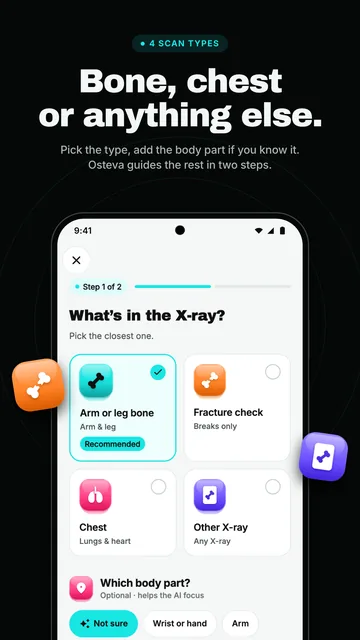
Pick the type of X-ray, add the body part if you know it, and Osteva guides you through the rest.
Arm or leg bones
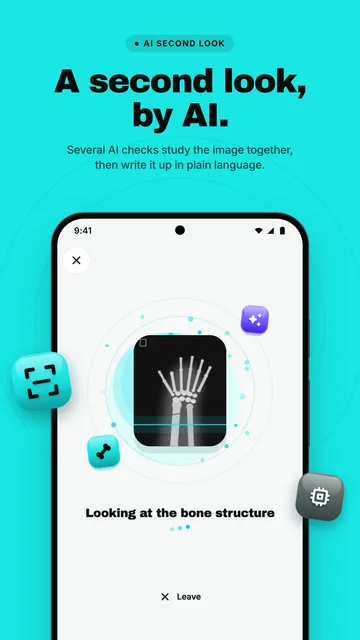
The AI works out which bone it is and looks for signs of a possible break.
Chest X-rays
Looks for signs of common lung and heart conditions.
Other X-rays
A general check for anything unusual.
Two views
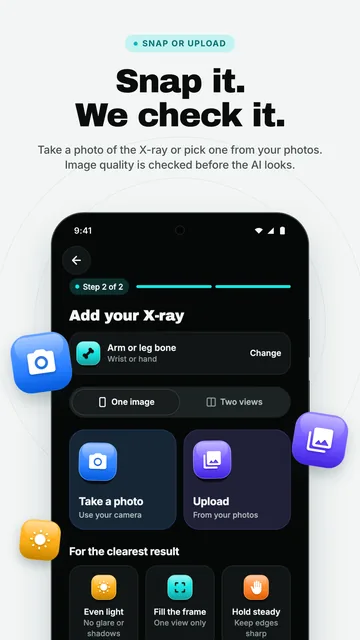
Look at two views of the same area together, such as front and side, or left and right.
Several X-rays at once
Add up to 5 images and get a result for each one.
Take a photo or upload
Photograph an X-ray film or a screen, or pick an image you already have in Android's own picker.
Plain words. No jargon.
What the AI found, how sure it is, and what to do next — written for you, with the detail your doctor needs kept in its own section.
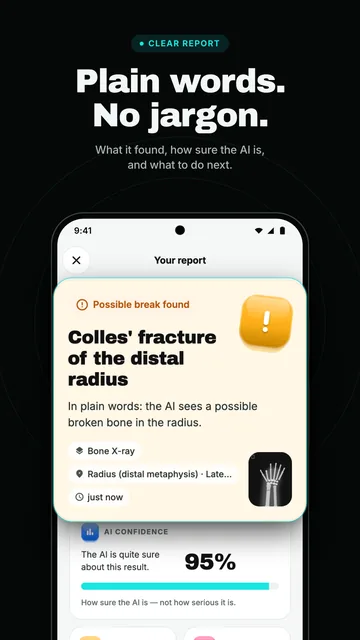
A clear headline
Such as “No break found” or “Possible break found”, then a plain-language explanation.
How sure the AI is
How confident the AI is in the result, and how soon to get it checked.
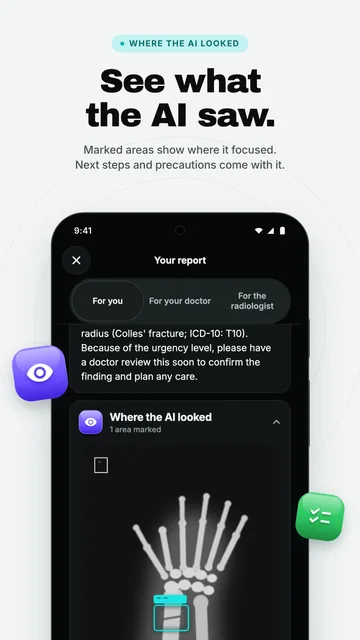
Where the AI looked
An optional heat map and marked areas on the X-ray.
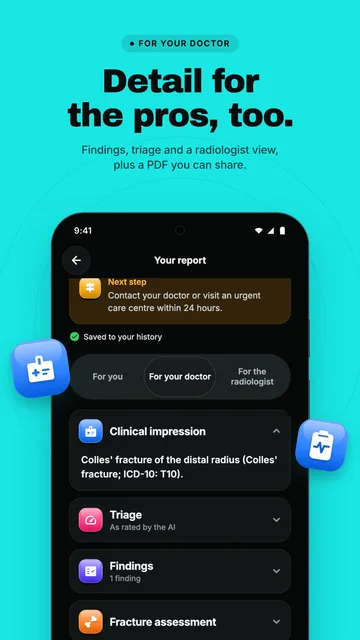
A section for clinicians
The detail a doctor will want, kept apart from the plain-language summary.
A PDF for your doctor
Share the report through your phone's share menu. You choose who gets it.
From a photo to a report in plain words.
Real screens from the app, with a sample X-ray. Scroll sideways for the rest.
A second look, not the last word.
The AI can be wrong. Osteva is built to help you talk to a clinician, not to replace one.
It checks the image first
Before each scan, Osteva checks that the image is a clear X-ray and asks for a better one if it isn't.
Support, not a diagnosis
Every result is AI decision support for you and your clinician. It is not a diagnosis.
The photo matters
Results can be affected by photo quality, angle and lighting.
Don't wait for an app
If you are in pain, injured or unwell, seek medical care.
Your scans stay yours.
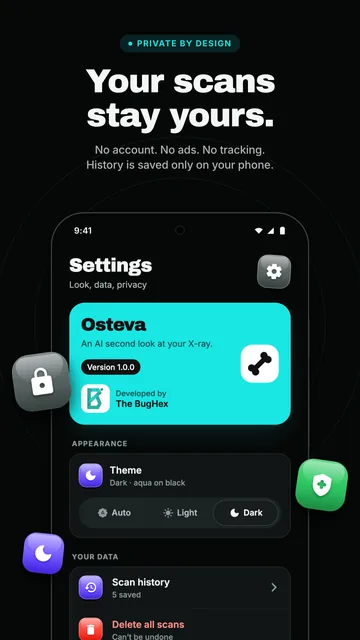
No ads, no tracking, no analytics. Here is what leaves your phone, and what doesn't.
No account
No sign-in. Osteva never asks for your name, email address, phone number or location.
Your images aren't kept
Each image you analyze is sent over an encrypted connection to our analysis service to create your report. Your images are not saved on our servers.
One outside AI service
Bone and two-view scans also use Google's Gemini AI service, which works for us. Chest and other single X-rays stay on our own server.
History stays on your phone
Your scan history is saved on your phone, not on our servers. Delete one scan in History, or all of them in Settings, at any time.
Why Osteva asks for the camera: only to take a photo of an X-ray when you tap “Take a photo”. You can upload an image instead. Osteva never asks for access to your photo library: you pick the image in Android's own picker, and Osteva only gets the image you chose.
Read the privacy policy
Questions or feedback? Tell us.
Email support@thebughex.com with what happened and your phone's model, and we'll look into it.